Initial Setup
This guide gets DttR running with your original game files.
Downloading DttR
-
Download the build of DttR you want to use:
-
Extract the archive to a writable directory.
- Run
dttr.exe.
Loading the original game files
DttR should open a prompt asking for the original game files:
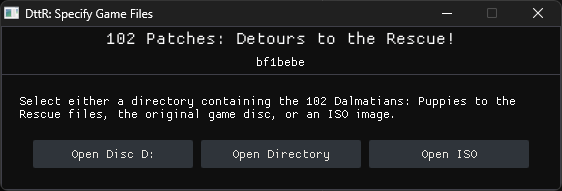
DttR can find the game files from a disc, an installed copy, or an ISO. Choose the method that matches your setup.
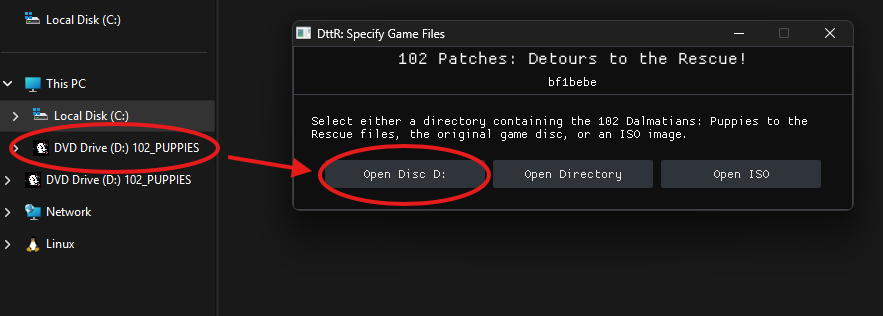
The Open Disc ... buttons will only show if DttR detects an inserted/mounted disc containing the original game files.
This includes official retail copies and mounted disc images.
Insert the original 102 Dalmatians: Puppies to the Rescue CD, then select the disc.
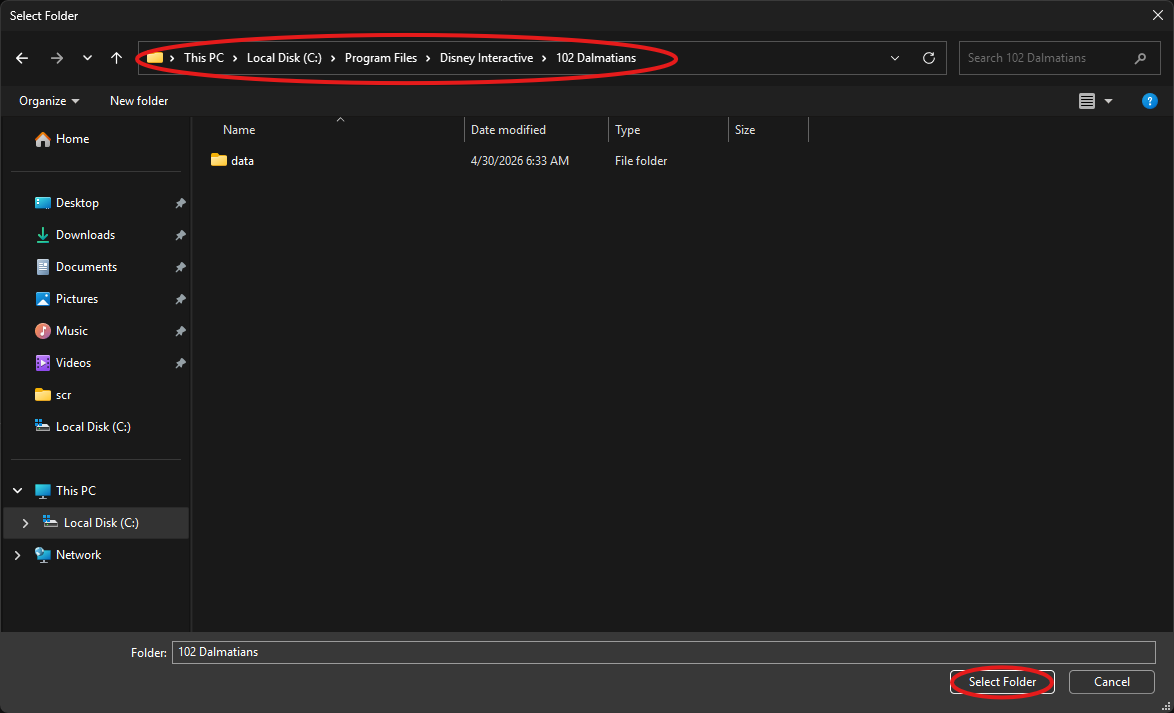
Choose Open Directory and select the installed game directory containing pcdogs.exe.
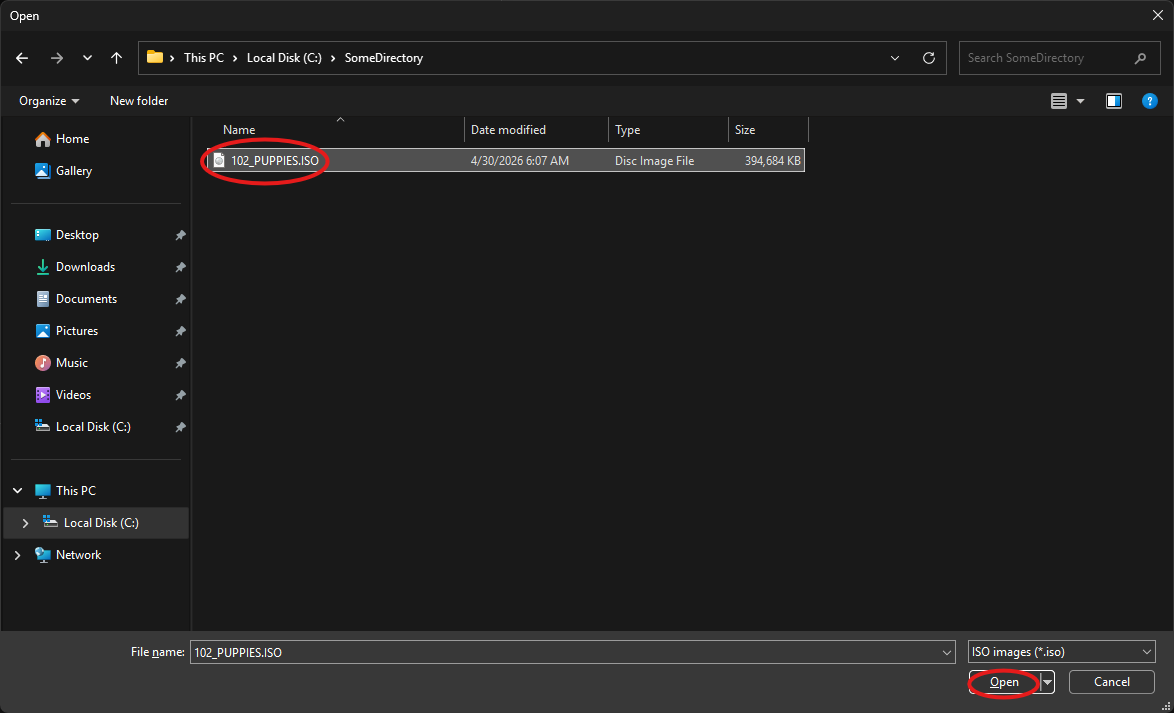
Choose Open ISO, select the game ISO file, and click Open.
You're done
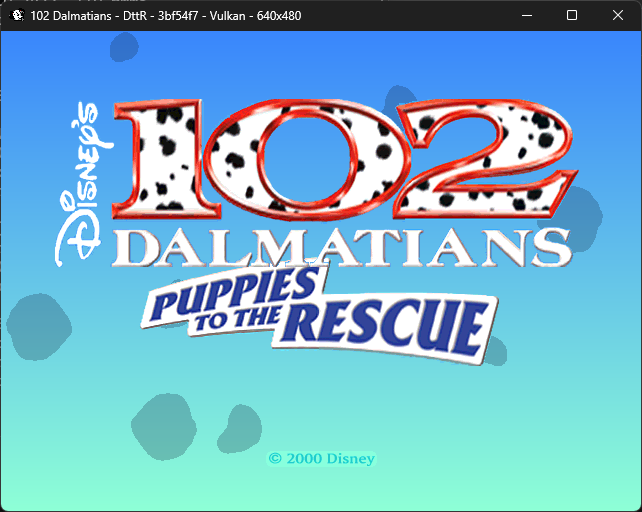
Once DttR has the game files, setup is complete.
For controller mappings, graphics settings, and other options, see Configuration.