Getting Started
This guide walks you through getting DttR running with 102 Dalmatians: Puppies to the Rescue.
Downloading DttR
Download the build of DttR that matches your needs:
- Vanilla is the normal build and does not allow the installation of game modifications. This is the only build allowed in speedruns.
- Modding is the build that's required to load and run third-party modifications.
Extract the archive wherever you'd like and then run dttr.exe.
Loading the Game Files
DttR should open a prompt asking for the original game files:
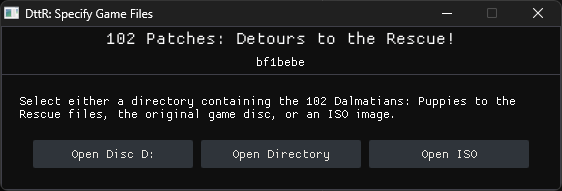
DttR can find the game files from a disc, an installed copy, or an ISO. Choose the method that matches your setup.
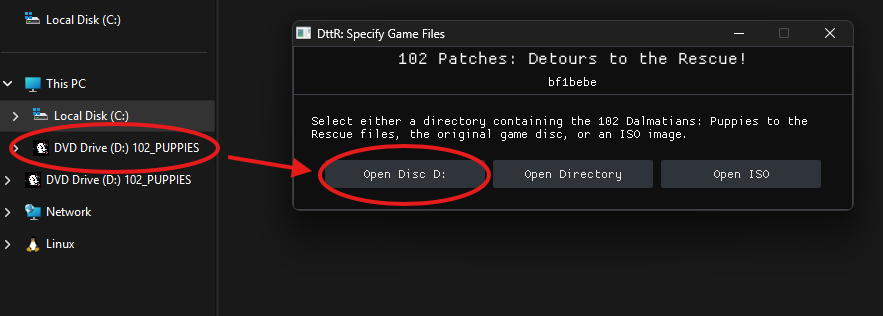
The Open Disc ... buttons will only show if DttR detects an inserted/mounted disc containing the original game files.
This includes official retail copies and mounted disc images.
Insert the original 102 Dalmatians: Puppies to the Rescue CD, then select the disc.
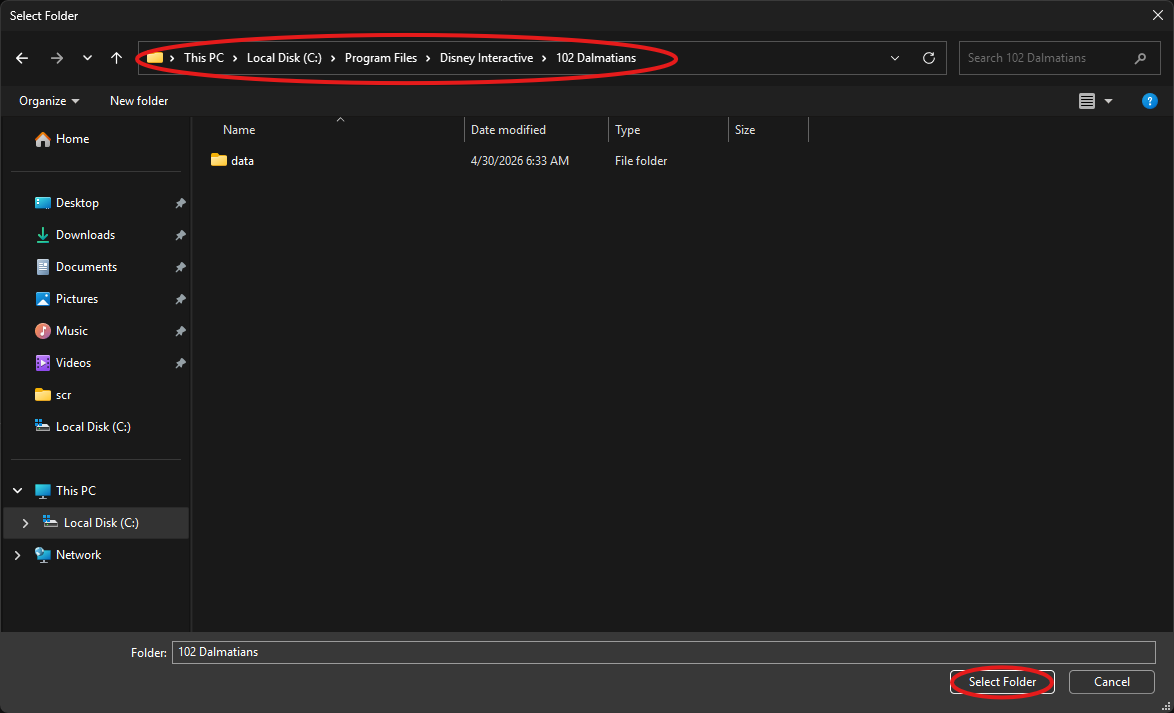
Choose Open Directory and select the installed game directory containing pcdogs.exe.
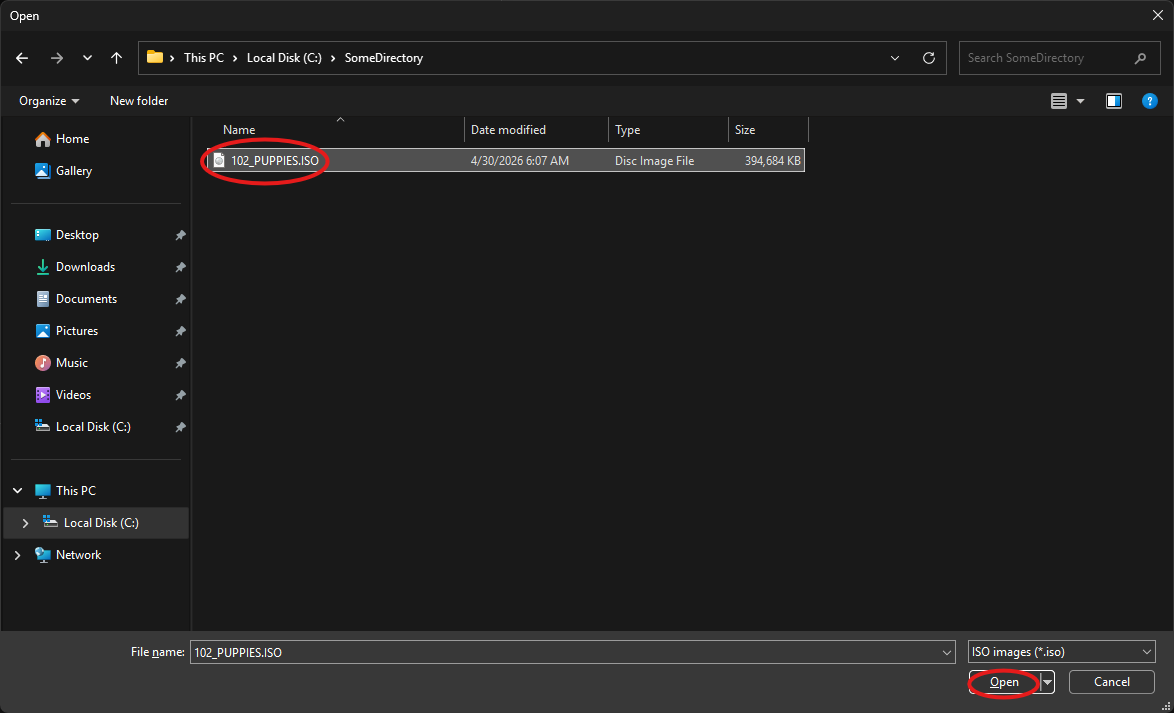
Choose Open ISO, select the game ISO file, and click Open.
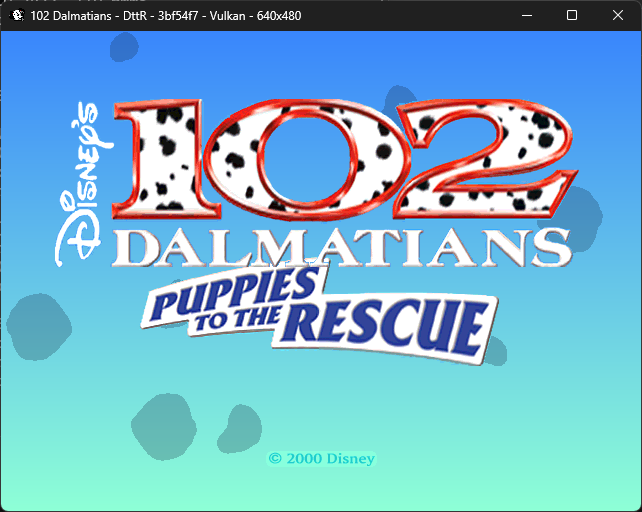
You're done!
If everything worked, the game should pop up in a window. If the game crashes or doesn't pop up, take a look at the troubleshooting page.