Setting Up Your Controls
Controller Menu Navigation Before Binding
Before controller buttons are bound, the controller cannot be used to navigate the game menus. Use the keyboard Arrow keys, Esc, and Enter until your controller buttons are assigned.
Most gameplay controls are still configurable from the game's own control menu.
DttR fixes a bunch of the issues with the original game's control bindings, including bug fixes and improved support for modern keyboards and controllers.
Accessing the Controls Menu
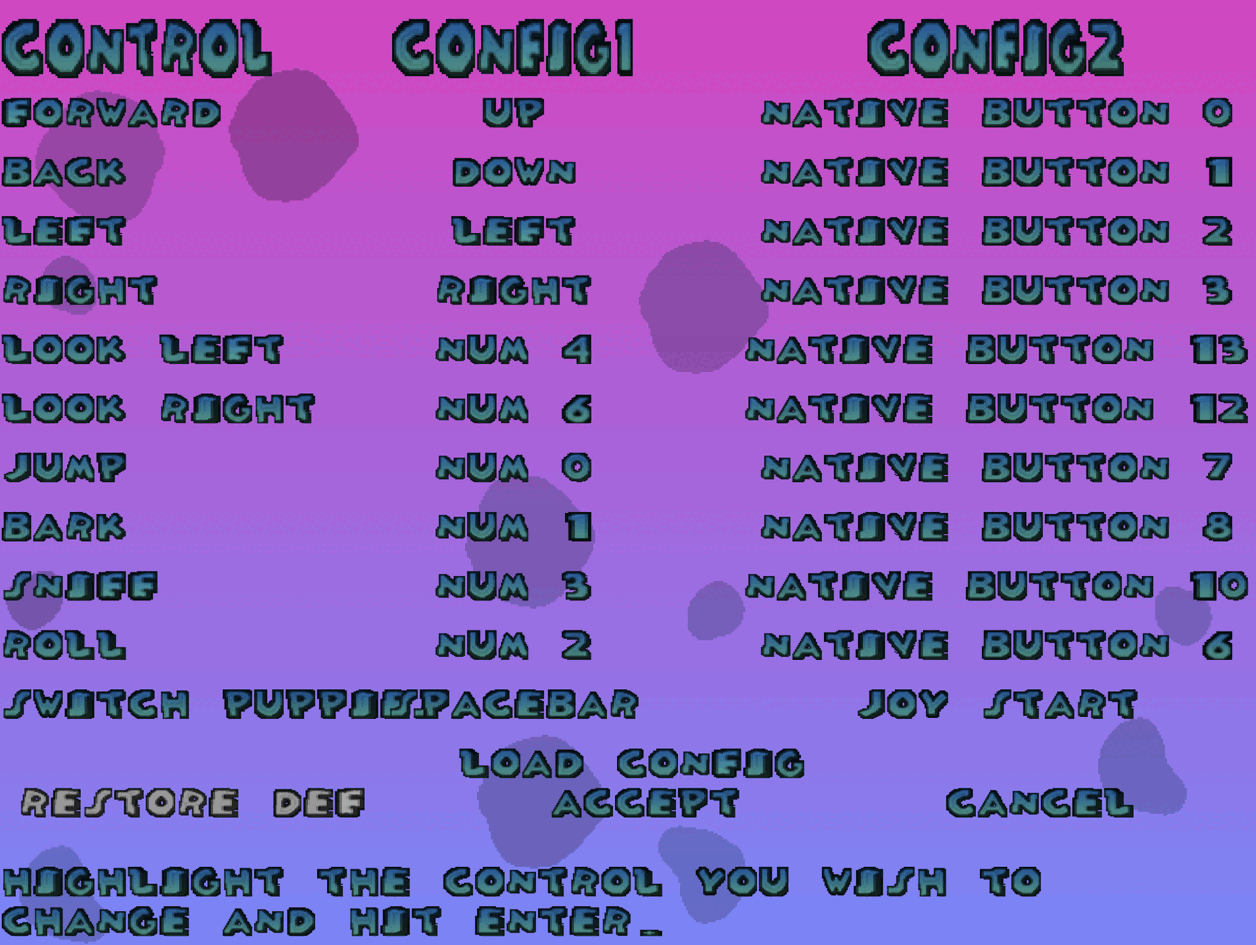
The game's controls menu can be accessed from the title screen by pressing Enter, opening Options, and finally opening Control.
Binding a Key or Button
To bind a button to a gameplay action, highlight the action you want to rebind and press Enter. Then press the keyboard key or controller button you want to use.
DttR adds the ability to bind keyboard keys and controller buttons to any slot, regardless of which column it's under.
For more details for setting up controllers, see Using a Controller/Gamepad.